Setup a CMSIS only project in cubeIDE (no HAL)
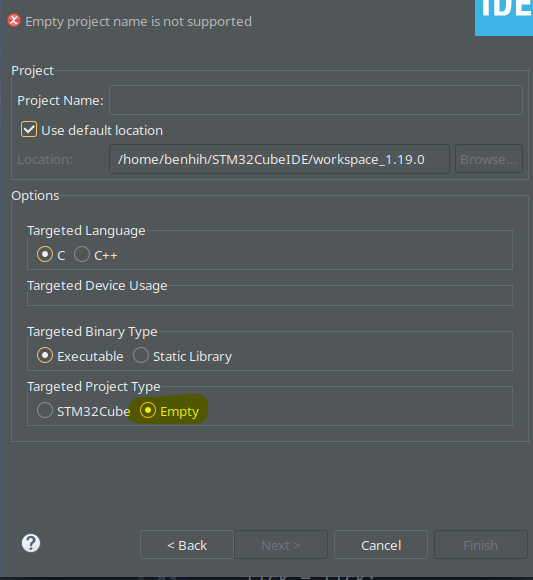
First start by creating an empty project
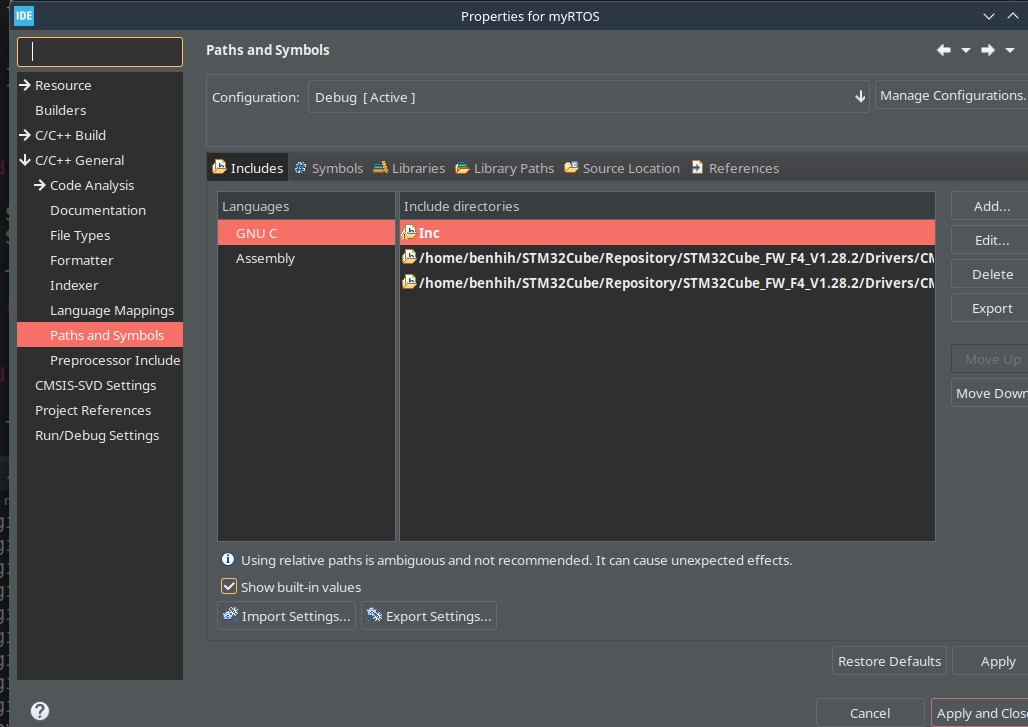
then open project properties and navigate to includes
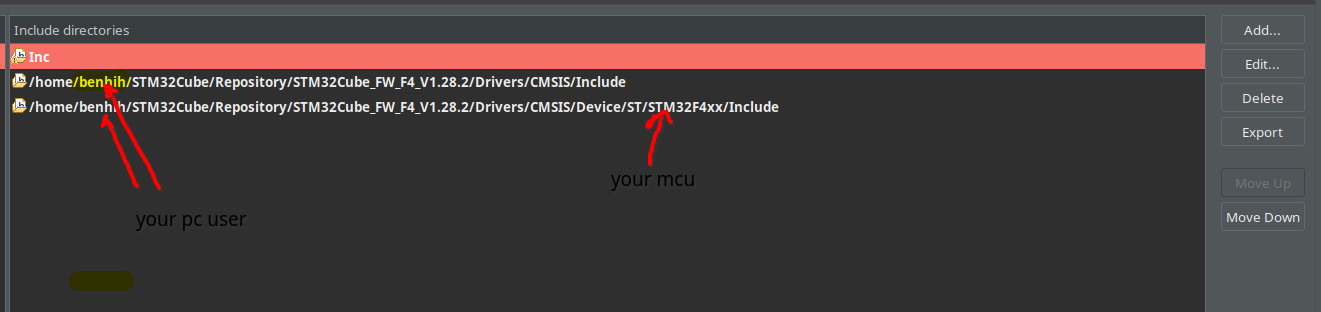
add add these tow folders
(note if you didn’t find these folders create a regular stm32 project and cubeide will download them for you)

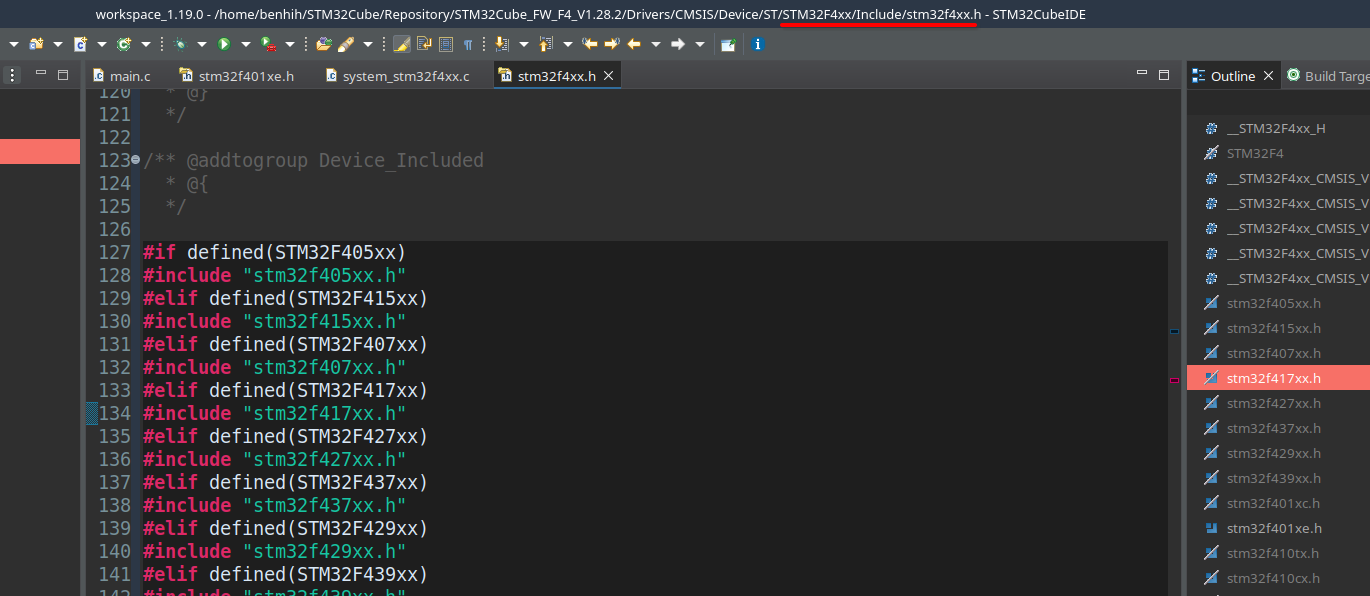
you can find the full list of MCUs in the stm32fxxx.h file